📍┊Game Information┊📍
⌜Build Saving⌟
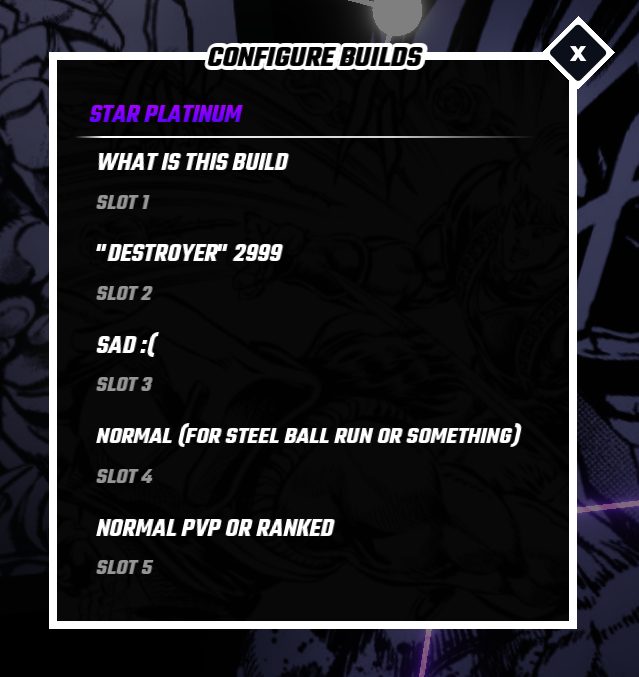
Build Saves
- To access the build slots, press X on your keyboard (PC) in any skill tree.
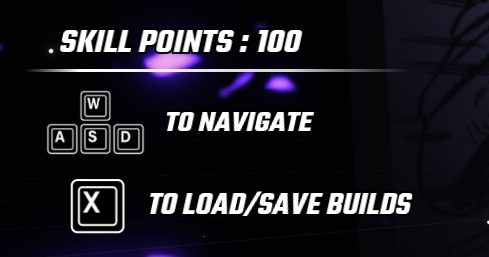
- Each skill tree has it’s own build slots.
- You can have up to 5 builds saved at a time.
- Allows you to Save, Load or Rename the saved build.

- To save a build, do your desired skill tree and then click the Save button in one of the slots.

- Build Saving will also remember your keybinds.

- If you wish to load a build, you must have the number of skill points the skill tree in it has.
- Loading a build works the best with an empty skill tree (no skill points used in it).
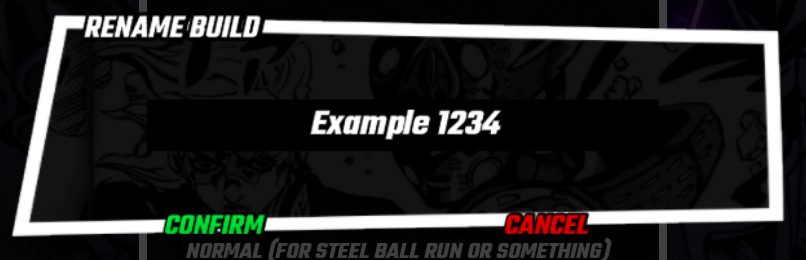
- You can rename your build slot. (Has a filter to remove certain words)
Build Menu Example: